
How it works
From an empty account to your first lesson
Every AI tool has the same weakness: a vague prompt gets a vague lesson. So ASISTEACH asks the question once instead — who is this student, what are they working towards, what bores them — and every lesson after that is built for that person, in one click.
Here is the whole thing, about ten minutes. It works best on a computer for now; the phone version is on its way.
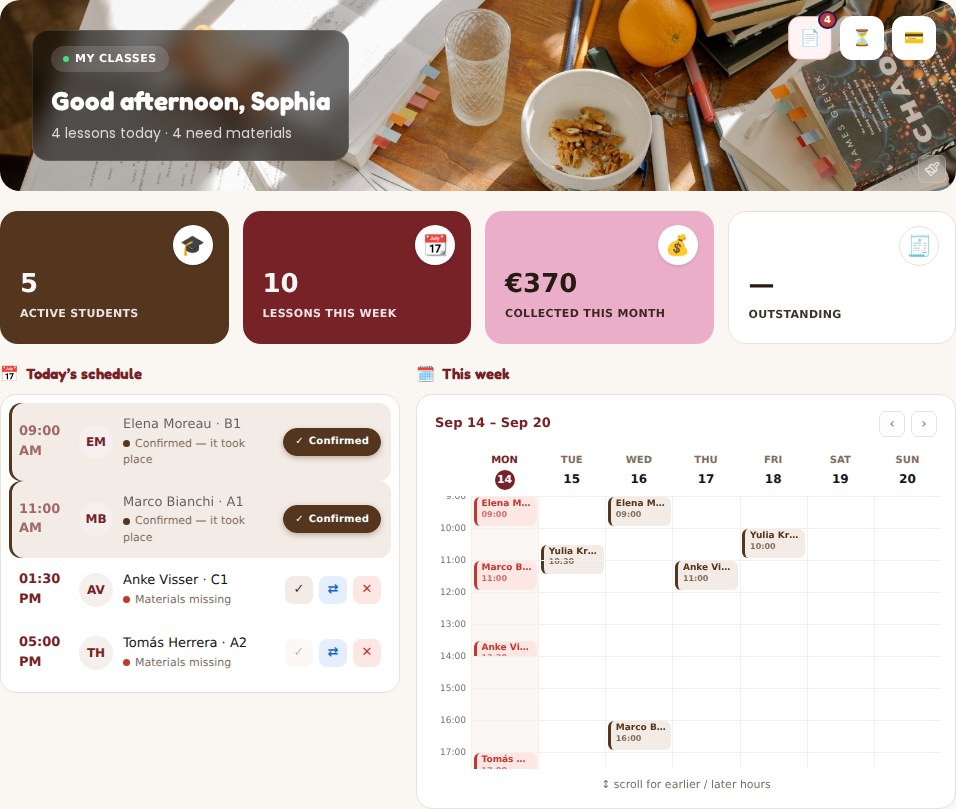
This is your Monday, once it is set up
And it does not stop at lessons. Every student, every class, what you are owed and what you have already been paid — one screen, and not a spreadsheet in sight.
Getting there takes three things and about ten minutes:
-
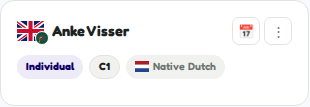
Add your students
Share your student link and they fill in their own name, level and contact details, then appear in your list automatically. Or add someone yourself — twenty seconds.
-
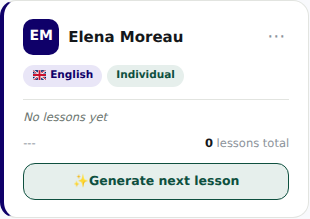
Open a workspace for each one
One per student or group. Everything about that person — their profile, their syllabus, every lesson you have ever generated for them — lives on this one card.
-
Describe the student once — not every lesson
Their level, their goals, what bores them, and how you want their lessons to run: “conversation practice for a B1 nurse, focus on the past tense”. You are describing the person, not a single class — so you write it once and it shapes everything that follows. Don’t feel like typing? Send them the profile link and let them fill it in themselves.
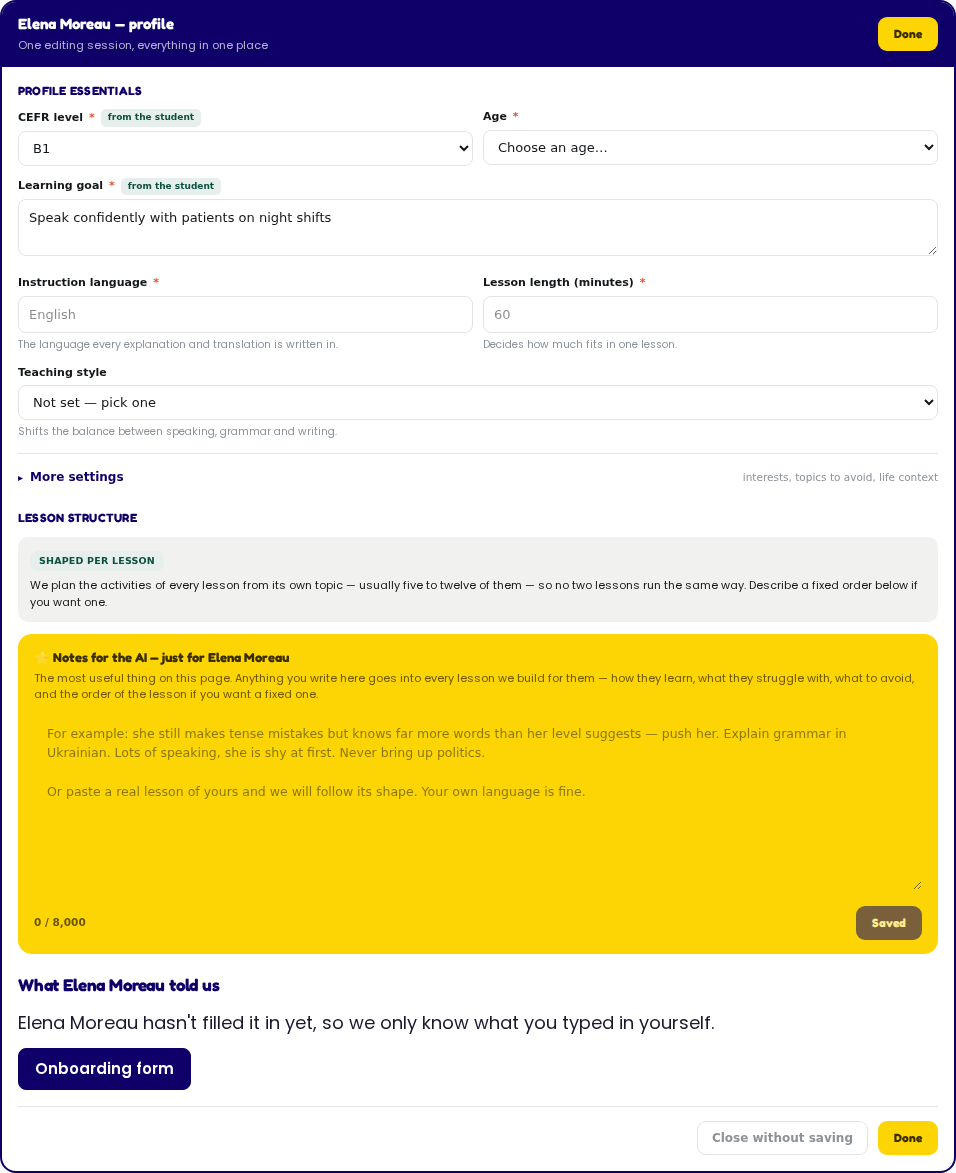
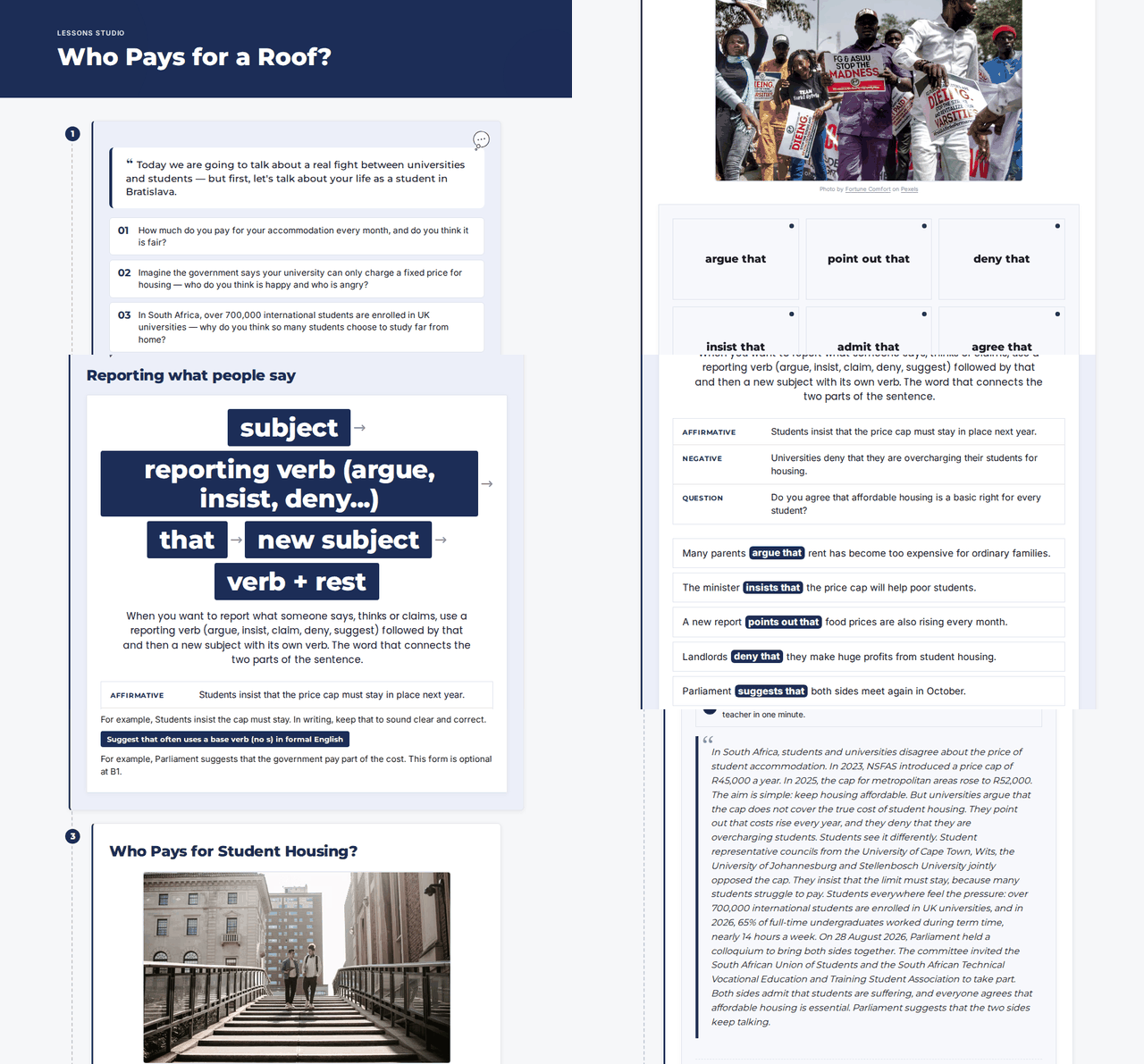
Then one click — a full interactive lesson, ready to teach.
It takes about two minutes to build. There is a language guessing game to play while you wait, if you want it.
Add my studentsAlready added them? Head straight to Lessons Studio.